Update your email
Posted on:
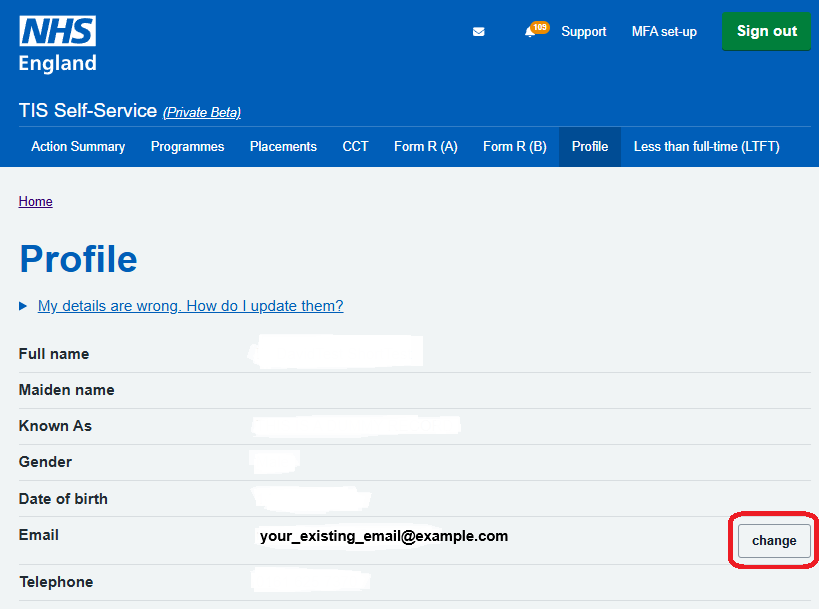
If needed, you can now update your email address directly in TIS Self-Service, instead of having to ask your Local Office team to do this for you.
Navigate to your TIS Self-Service Profile page, click on the ‘change’ button next to your current email address, and follow the prompts.
You should receive an email to your new address confirming the change, and your log-in to TIS Self-Service will thereafter use the new email address (but still your existing password).